How it works
KSML runs on proven Kafka Streams without Java
KSML turns Kafka Streams topologies into something you write, read, and change without touching Java.

Describe sources, joins, and aggregations in YAML, add Python where needed, and run on proven Kafka Streams without Java.
KSML turns Kafka Streams topologies into something you write, read, and change without touching Java.
Skip the build pipeline. Go from an idea for a stream transformation to a running application in minute.
KSML applications register, deploy, and run directly on Axual inheriting the same ownership, environment, and access controls as the rest of your Kafka environment.
Generate KSML applications with AI through Axual MCP, then register and run them on Axual
The YAML topology is the documentation. Anyone on the team can read what a pipeline does.
Filter, join, aggregate, and route production data KSML is used to power real-time notification logic processing 100M+ messages a day.
.svg)




.avif)




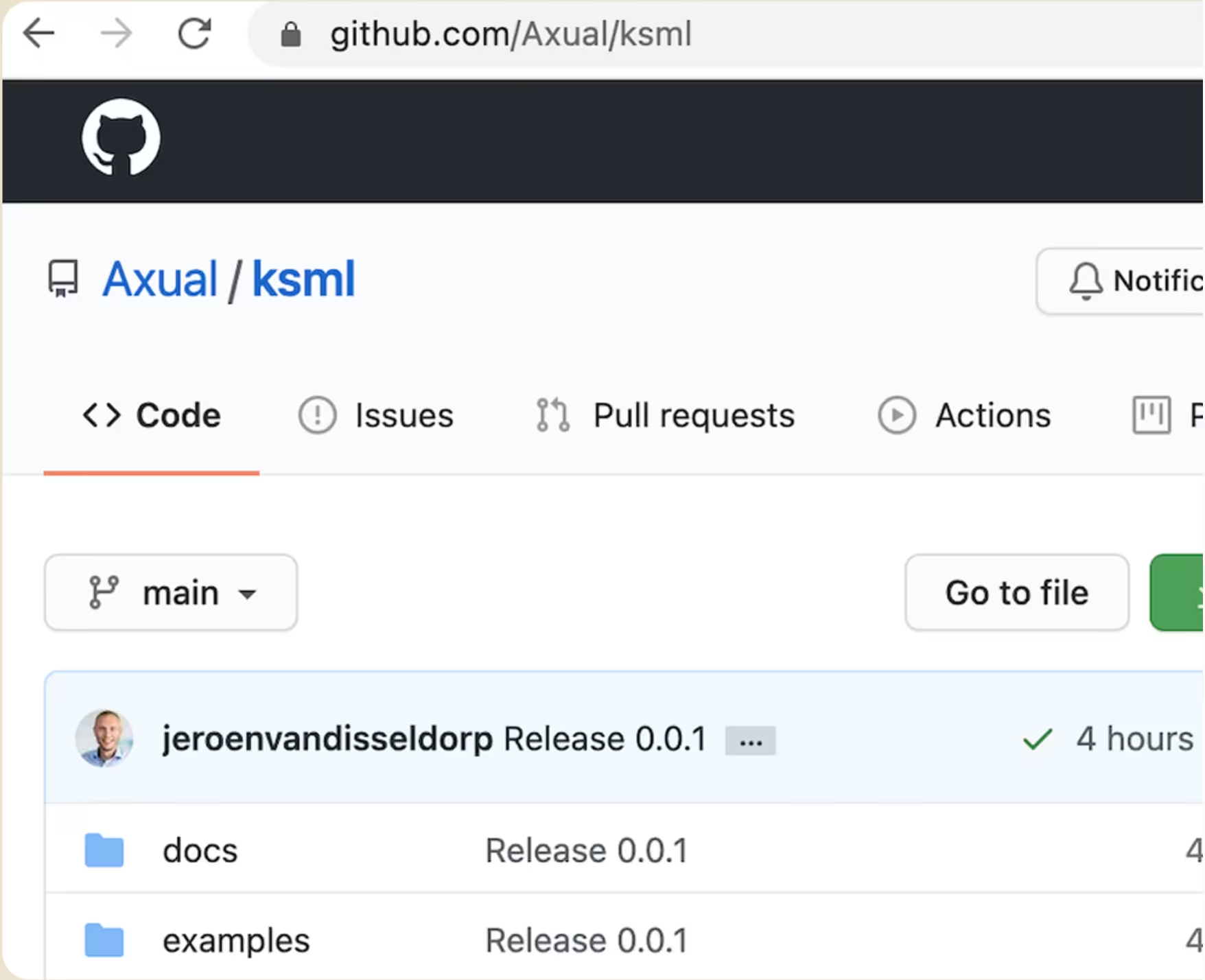
docker-compose.yml’ file in the root directory.
This file start a Kafka environment with Schema Registry and a data generator for the examples.docker-compose up -d’ in the root directory to start the environment in the background
docker compose up -d’.version: "3.7"
services:
# Services can be reached from the local machine and in the docker network
# From the host machine:
# * Localhost port 9092 connects to the broker
# * Localhost port 8081 connects to the schema registry
# From the Docker network:
# * broker port 9093 connects to the broker
# * schema_registry port 8081 connects to the broker
networks:
ksml:
   name:
ksml_example
driver: bridgeexample-producer_1 | 2021-05-11T09:55:00,169Z [system] [main]INFO i.a.k.e.producer.KSMLExampleProducer - Using Kafka backendexample-producer_1 | 2021-05-11T09:55:00,445Z [system] [main]INFO i.a.k.e.producer.KSMLExampleProducer - Producing: 0example-producer_1 | 2021-05-11T09:55:01,161Z [system] [main]INFO i.a.k.e.producer.KSMLExampleProducer Produced message totopic ksml_sensordata_avro partition 0 offset 0example-producer_1 | 2021-05-11T09:55:01,661Z [system] [main]INFO i.a.k.e.producer.KSMLExampleProducer Producing: 1example-producer_1 | 2021-05-11T09:55:01,667Z [system] [main]INFO i.a.k.e.producer.KSMLExampleProducer Produced message totopic ksml_sensordata_avro partition 0 offset 1example-producer_1 | 2021-05-11T09:55:02,167Z [system] [main]INFO i.a.k.e.producer.KSMLExampleProducer Producing: 2example-producer_1 | 2021-05-11T09:55:02,173Z [system] [main]sensor-inspect.yaml’ in the folder ‘/examples’ with the following contentsstreams:
ksml_sensordata_avro:
topic: ksml_sensordata_avro
keyType: string
valueType: avro: SensorData
functions:
  print_message:
  type:
forEach
code: "print('key='+(key if isinstance(key,str) else str(key))+', value='+(value if isinstance(value,str) else str(value)))"
pipelines:
main:It's time to start a KSML Runner with your KSML definition.
ksml-runner.yml’ in the ‘examples’ directory.1-demo-inspect.yaml' with ‘sensor-inspect.yaml’run.sh’ script in the examples directoryIf everything goes well, you should see the AVRO sensordata being written to STDOUT.
ksml:
   workingDirectory:
/ksml
definitions:
- sensor-inspect.yaml
backend:
   type:
kafka
   config:
     bootstrapUrl: broker:9093
     applicationId:
io.ksml.example.processor
     schemaRegistryUrl: http://schema_registry:8081
     streamsConfig:
acks: allstreams:
ksml_sensordata_avro:
topic: ksml_sensordata_avro
keyType: string
     valueType: avro: SensorData
  ksml_sensordata_sensor0:
     topic:
ksml_sensordata_sensoro
keyType: string
     valueType: avro:SensorDa'
   ksml_sensordata_sensor1:
      topic:
ksml_sensordata_:
keyType: string
      valueType: avro: SensorD:
   ksml_sensordata_sensor2:
topic: ksml_sensordata_:streams:
ksml_sensordata_avro:
topic: ksml_sensordata_avro
keyType: string
     valueType: avro: SensorData
  ksml_sensordata_sensor0:
     topic:
ksml_sensordata_sensoro
keyType: string
     valueType: avro:SensorDa'
   ksml_sensordata_sensor1:
      topic:
ksml_sensordata_:
keyType: string
      valueType: avro: SensorData
   ksml_sensordata_sensor2:
topic: ksml_sensordata_sensor2version: "3.7"
services:
# Services can be reached from the local machine and in the docker network
# From the host machine:
# * Localhost port 9092 connects to the broker
# * Localhost port 8081 connects to the schema registry
# From the Docker network:
# * broker port 9093 connects to the broker
# * schema_registry port 8081 connects to the broker
networks:
ksml:
   name:
ksml_example
driver: bridgeexample-producer_1 | 2021-05-11T09:55:00,169Z [system] [main]INFO i.a.k.e.producer.KSMLExampleProducer - Using Kafka backendexample-producer_1 | 2021-05-11T09:55:00,445Z [system] [main]INFO i.a.k.e.producer.KSMLExampleProducer - Producing: 0example-producer_1 | 2021-05-11T09:55:01,161Z [system] [main]INFO i.a.k.e.producer.KSMLExampleProducer Produced message totopic ksml_sensordata_avro partition 0 offset 0example-producer_1 | 2021-05-11T09:55:01,661Z [system] [main]INFO i.a.k.e.producer.KSMLExampleProducer Producing: 1example-producer_1 | 2021-05-11T09:55:01,667Z [system] [main]INFO i.a.k.e.producer.KSMLExampleProducer Produced message totopic ksml_sensordata_avro partition 0 offset 1example-producer_1 | 2021-05-11T09:55:02,167Z [system] [main]INFO i.a.k.e.producer.KSMLExampleProducer Producing: 2example-producer_1 | 2021-05-11T09:55:02,173Z [system] [main]streams:
ksml_sensordata_avro:
topic: ksml_sensordata_avro
keyType: string
valueType: avro: SensorData
functions:
  print_message:
  type:
forEach
code: "print('key='+(key if isinstance(key,str) else str(key))+', value='+(value if isinstance(value,str) else str(value)))"
pipelines:
main:ksml:
workingDirectory: /ksml
definitions:
- sensor-inspect.yaml
backend:
   type:
kafka
   config:
     bootstrapUrl: broker:9093
     applicationId:
io.ksml.example.processor
     schemaRegistryUrl: http://schema_registry:8081
     streamsConfig:
acks: allstreams:
ksml_sensordata_avro:
topic: ksml_sensordata_avro
keyType: string
     valueType: avro: SensorData
  ksml_sensordata_sensor0:
     topic:
ksml_sensordata_sensoro
keyType: string
     valueType: avro:SensorDa'
   ksml_sensordata_sensor1:
      topic:
ksml_sensordata_:
keyType: string
      valueType: avro: SensorD:
   ksml_sensordata_sensor2:
topic: ksml_sensordata_:streams:
ksml_sensordata_avro:
topic: ksml_sensordata_avro
keyType: string
     valueType: avro: SensorData
  ksml_sensordata_sensor0:
     topic:
ksml_sensordata_sensoro
keyType: string
     valueType: avro:SensorDa'
   ksml_sensordata_sensor1:
      topic:
ksml_sensordata_:
keyType: string
      valueType: avro: SensorData
   ksml_sensordata_sensor2:
       topic:
ksml_sensordata_sensor2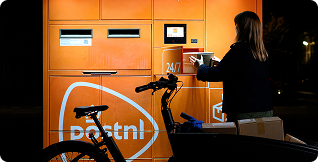
"KSML (Kafka Streams Markup Language): a low-code Python-based framework for processing and transforming Kafka streams. KSML handles transformation logic for parcel status events and enables real-time notifications to be sent to customers and delivery personnel."
Results:
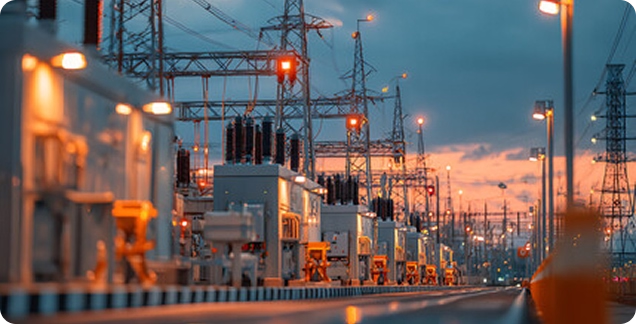
"The governance framework ensures every data access, schema change, and application integration leaves an audit trail meeting regulatory requirements for critical infrastructure operators."
Results:
No. KSML lets you define Kafka Streams topologies in YAML, with optional Python for custom logic. There's no Java development or build pipeline required.
KSML runs on proven Kafka Streams underneath. You get the same processing engine, expressed through a low-code YAML/Python layer instead of Java code.
Yes. KSML definitions allow you to import Python libraries, so existing code can be reused directly inside your streaming apps.
Following the quick-start, most people go from cloning the repository to a running local pipeline in about 15 minutes, using Docker.
Yes. You run your KSML definitions locally to validate behavior, then deploy the same configuration — there's no separate rewrite step for production.
KSML applications register, deploy, and run directly on Axual, so they inherit the same ownership, environment, and access controls as every other application on the platform — including when they're generated with AI through Axual MCP.