Get started

Run Axual on your laptop

One command starts the full platform. Kafka, schema registry, governance, and the self-service portal.

Axual Desktop
$ git clone https://gitlab.com/axual/public/axual-desktop.git
Cloning into 'axual-desktop'... done.
$ cd axual-desktop && docker compose up -d
[+] Running 22/22
✓ vault             started
✓ keycloak          healthy
✓ kafka             healthy
✓ mcp-axual         started
✓ platform-manager  started
✓ platform-ui       started
✓ topic-browse      started
✓ axual-connect     started
Portal ready → http://localhost:8080/login/local
$

Test Axual locally in four steps

Each step is something you can actually run right now — not a diagram of what Axual does.

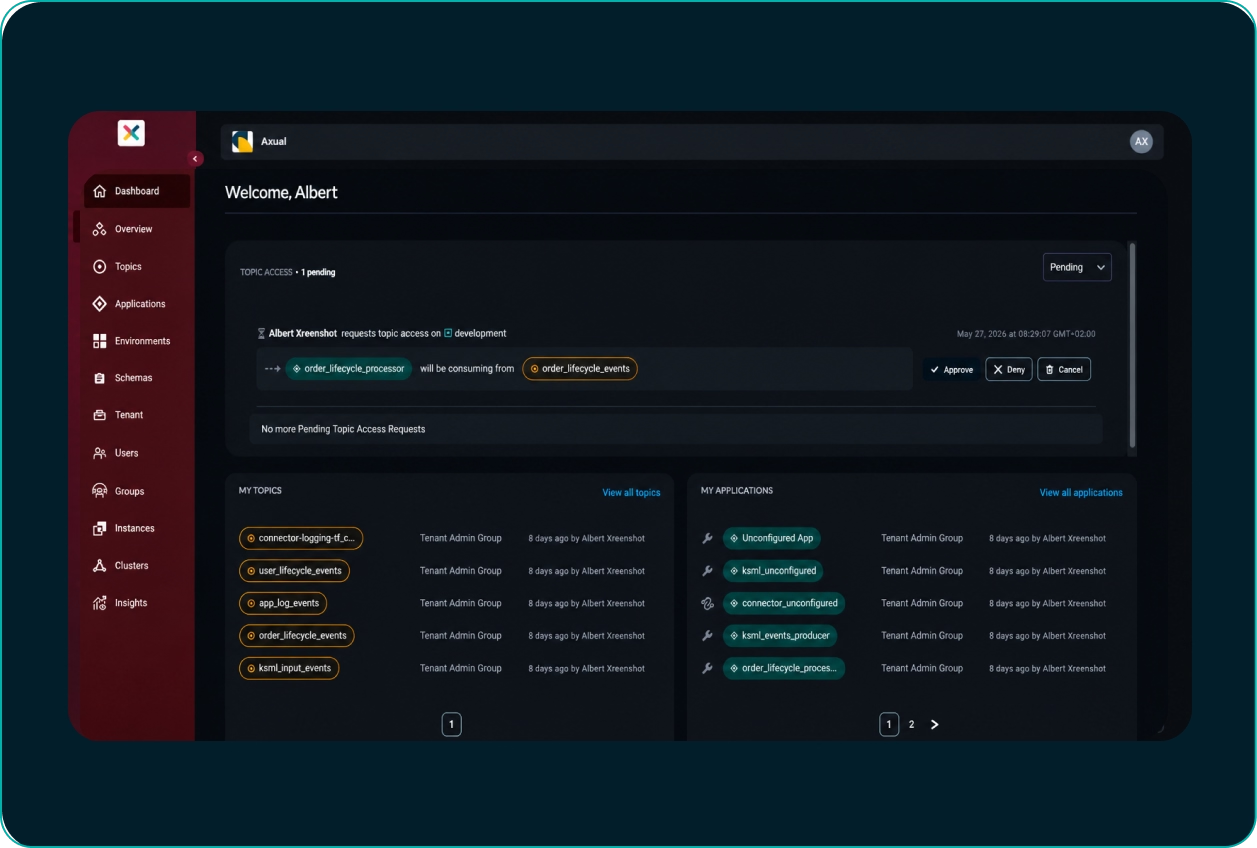
1

Start the platform

Run one command to start Kafka, Schema Registry, Kafka Connect, governance, and the self-service portal locally.
2

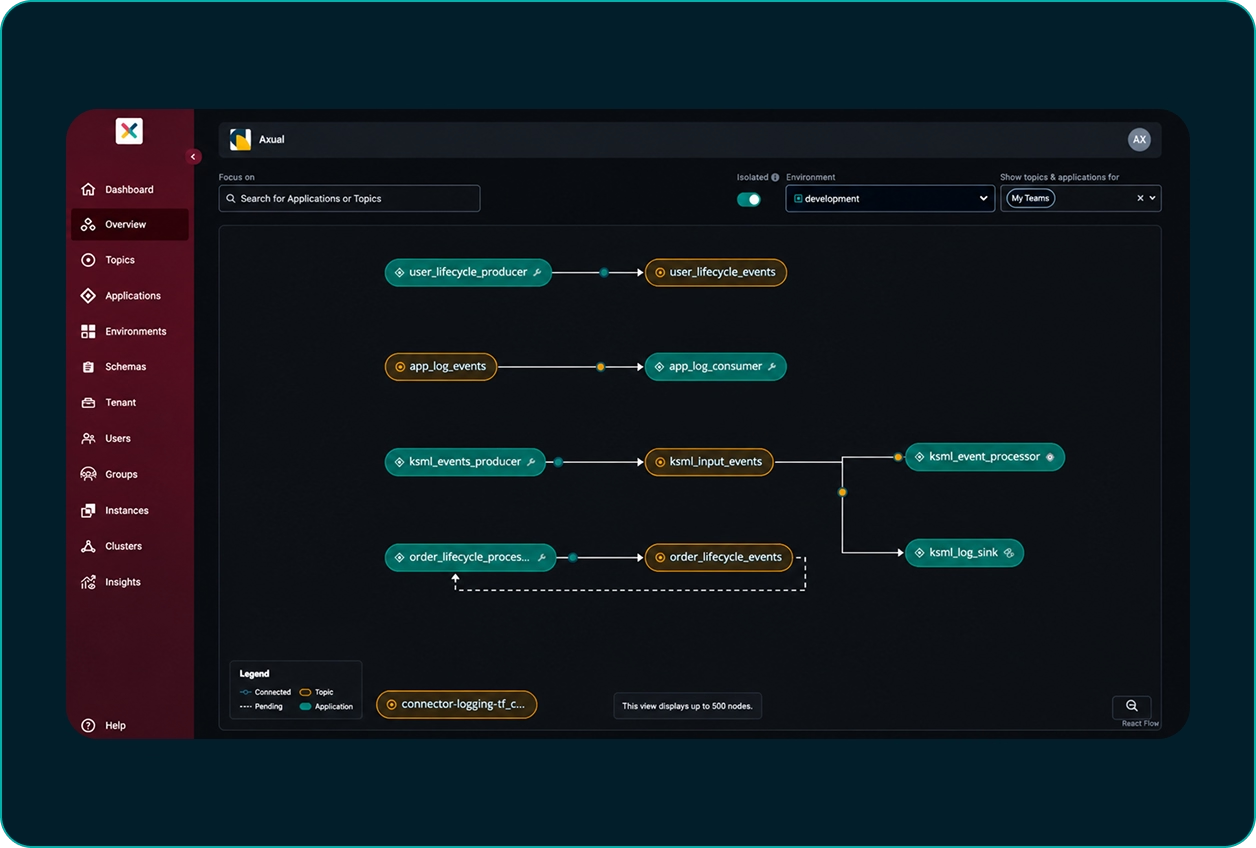
Create a schema and a topic

Open the self-service portal, create a schema, then create a topic and attach it. Configure partitions and retention.
3

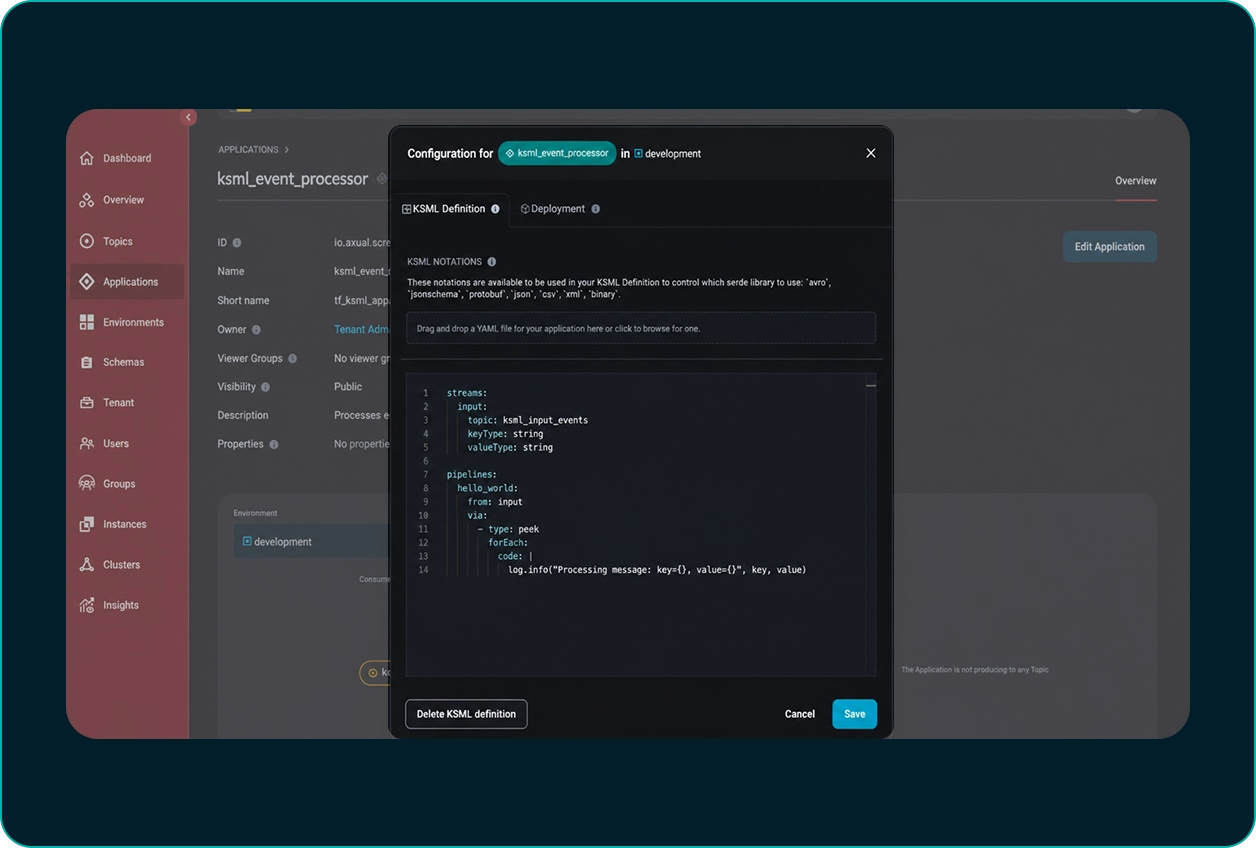
Deploy a connector and generate events

Use a Kafka Connect app (e.g. LogSource) to publish test messages to your topic.
4

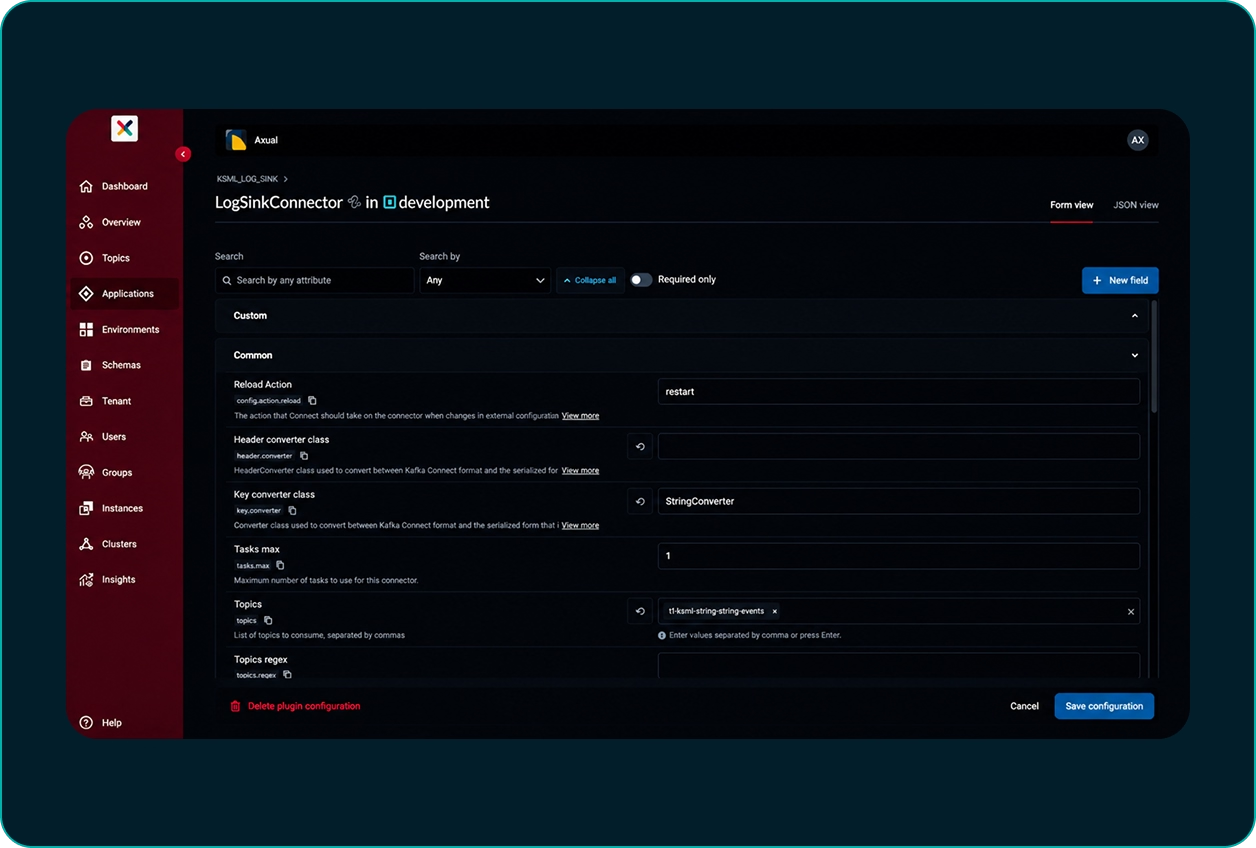
Ask the Axual MCP

Use an AI client and ask it to walk you through setup or perform tasks for you.
Axual Desktop
git clone https://gitlab.com/axual/public/axual-desktop.git
cd axual-desktop && docker compose up -d

Product walkthroughs

Short videos on how to get started with Axual and use the platform.

Proven in production

17,000 orgs

Norsk Helsenett streams clinical data across Norway's healthcare network.

Real-time grid

TenneT and Alliander run grid management on Axual, governed end to end.

2 governments

Sovereign, on-premises infrastructure for national-level data flows.

Frequently asked questions

What is Axual Desktop?

Axual Desktop is a Docker Compose environment that runs the Axual platform locally, including Kafka, Keycloak, Vault, and the Axual MCP server, without connecting to a hosted Axual environment.

What do I need installed to run Axual Desktop?

Axual Desktop only requires Docker and Docker Compose. Running docker compose up -d from the cloned repository starts every service as a container, so no separate Kafka, Java, or database install is needed.

Which services does Axual Desktop start?

Axual Desktop starts Kafka, Vault, and Keycloak, along with the platform manager, platform UI, topic browser, Axual Connect, and the Axual MCP server, then exposes the self-service portal at localhost:8080/login/local.

Does Axual Desktop include the Axual MCP Kafka server?

Yes. Axual Desktop bundles the Axual MCP server as one of its containers (mcp-axual), so it starts locally alongside the rest of the platform rather than requiring a separate connection to a hosted environment.

How is Axual different from Confluent and Aiven?

Axual differs from Confluent and Aiven by pairing an open Apache Kafka and Strimzi foundation with governed self-service and customer-controlled deployment, rather than a single vendor's managed cloud. Confluent's ecosystem creates dependency on its own platform, and Aiven is built cloud-first, which limits both where organizations need true on-premises operation and architectural sovereignty over where Kafka runs and who operates it.

Can I try Axual Kafka platform for free?

Yes. Axual can be tried for free by running Axual Desktop locally with Docker Compose, which starts the full platform, including governance, self-service, and the Axual MCP server, at no cost and without an account.